Windows Server 2019 End of Life: Dates and Options
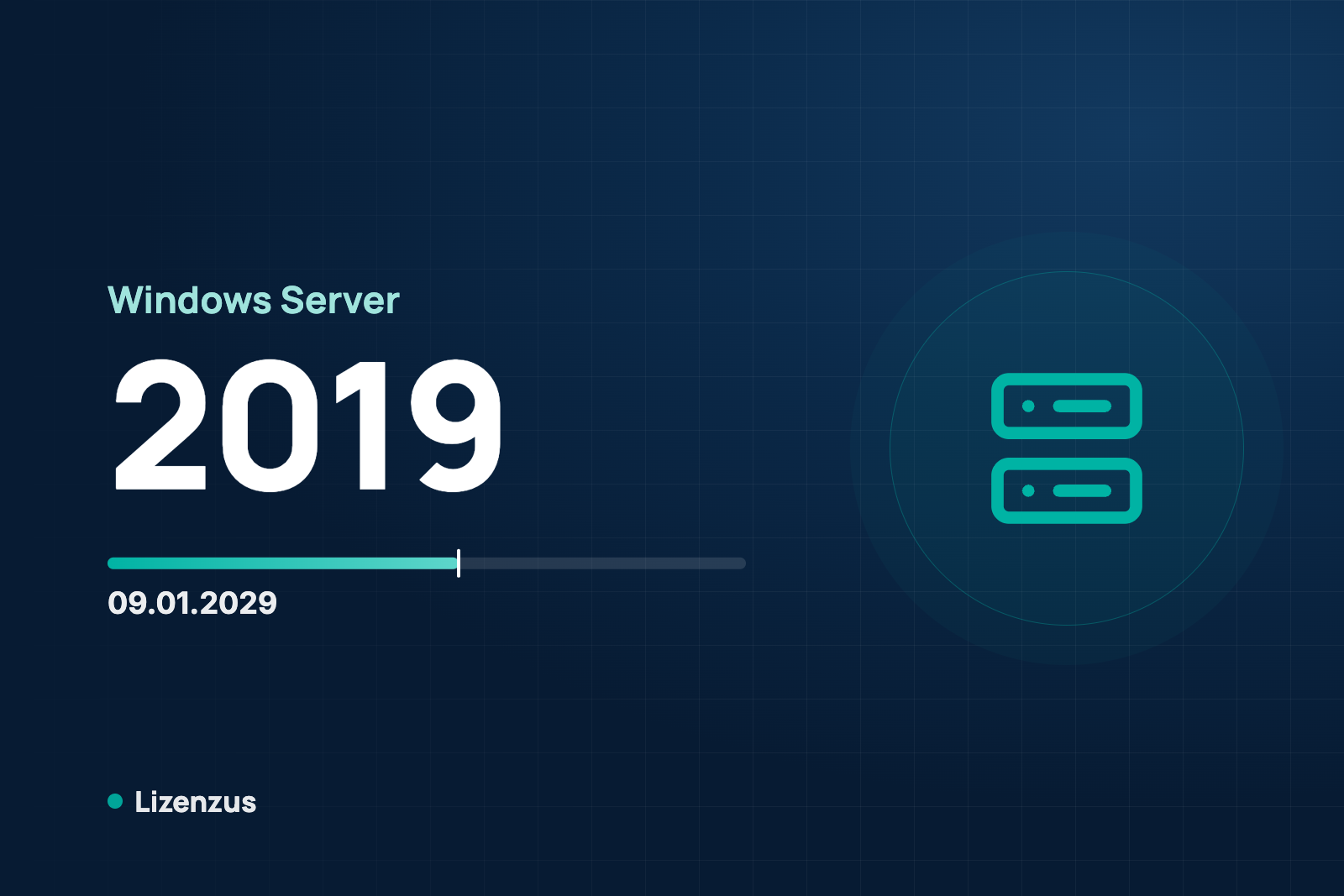
The Windows Server 2019 end of life is not an emergency, but it is a fixed date: extended support ends on 09 January 2029, a little more than two years from now. After that there are no more security updates. This article puts the date in context and shows when you should act. General planning advice is in Planning for end of support in Microsoft products.
What the date means
Windows Server 2019 was released on 13 November 2018. Mainstream support ended on 09 January 2024. Since then the version has been in extended support, which ends on 09 January 2029. The difference between the two phases is explained in Windows Server 2022 end of life.

What happens after the end
The software keeps running. Vulnerabilities that become known, however, are no longer fixed. A server that offers services on the network or processes domain logons then becomes a permanent point of entry. For those cases the move should be completed before the date.
Option 1: keep running it until the date and beyond
Until 09 January 2029 operation stays within extended support. If you want to keep the server after that, isolate it: no access from the internet, few and known connections, a documented decision. That is a deliberate risk decision, not a permanent solution.
Option 2: Extended Security Updates
In the Microsoft sources we read we found no ESU program for Windows Server 2019. As far as we can tell, Microsoft's ESU page lists only Windows Server 2012 and 2016. That does not mean there never will be one. Ask your Microsoft contact if you want to plan on it.
Option 3: move to Windows Server 2022 or 2025
According to Microsoft's upgrade table, a direct upgrade from 2019 to 2022 and to 2025 is possible. Every Windows Server version needs its own license. The perpetual license of the successor version can be bought used. For comparison, the remaining extended support:
- Windows Server 2019: until 09 January 2029, a little over two years.
- Windows Server 2022: until 14 October 2031, about five years.
- Windows Server 2025: until 14 November 2034, a little over eight years.
Anyone migrating anyway often picks the version with the longer remaining term. Anyone who only plans for a few more years, for example until another platform takes over, can stay with 2022. On version 2022 read Windows Server 2022 end of life, on the predecessor Windows Server 2016 end of life.
Access licenses when you move
The CAL must be at least the version of the server. A Windows Server 2019 CAL does not entitle you to access a Server 2022 or 2025. A newer CAL, on the other hand, covers older servers. In a migration, buy the CALs in the target version right away. The calculation is explained in How many Windows Server CALs do I need?
Four questions before you decide
- How long should the server keep running, and is 09 January 2029 long enough?
- Can the server be reached from the internet, or only from a separate network?
- Which CAL version do you hold, and how many people and devices access the server?
- Does the server run software that requires a particular Windows Server version?
The last question is best clarified with the vendor of the business application before you fix a target version. The licenses should be in place before the migration starts.
Buying used: the legal framework
In its judgment C-128/11 of 03 July 2012 the Court of Justice of the European Union held that the distribution right in a computer program is exhausted once it has been sold with the right holder's consent. This also applies where the software was delivered by download. Whoever resells must make their own copy unusable. The first acquirer may not split up a client-server license that covers more users. How this can be evidenced in practice is described under Is used software legal?
What Lizenzus does for you
We tell you the end-of-support date of every license before you commit. If you plan a move, we work out with you which server licenses and CALs the target version requires and give you the pricing for used, perpetual licenses. Send us a request describing your environment.
Read more: Windows Server licensing: Standard or Datacenter and Windows Server 2022 Standard.
Where to read on
Three pages answer the questions that most often follow on from this article.
Legal position and evidence
Why trading in used volume licenses is lawful, where the limits lie and which four documents count in a license audit.
Purchasing basics
What a used license is, which forms are transferable and how to recognize an offer that stands up to scrutiny.
Public procurement
The procurement law framework, suggested wording for the specification and the documents for the procurement file.
A question about your specific case?
Describe your situation. You will receive an assessment and, if you wish, a quote.