Windows Server 2022 End of Life: Mainstream and Extended Support
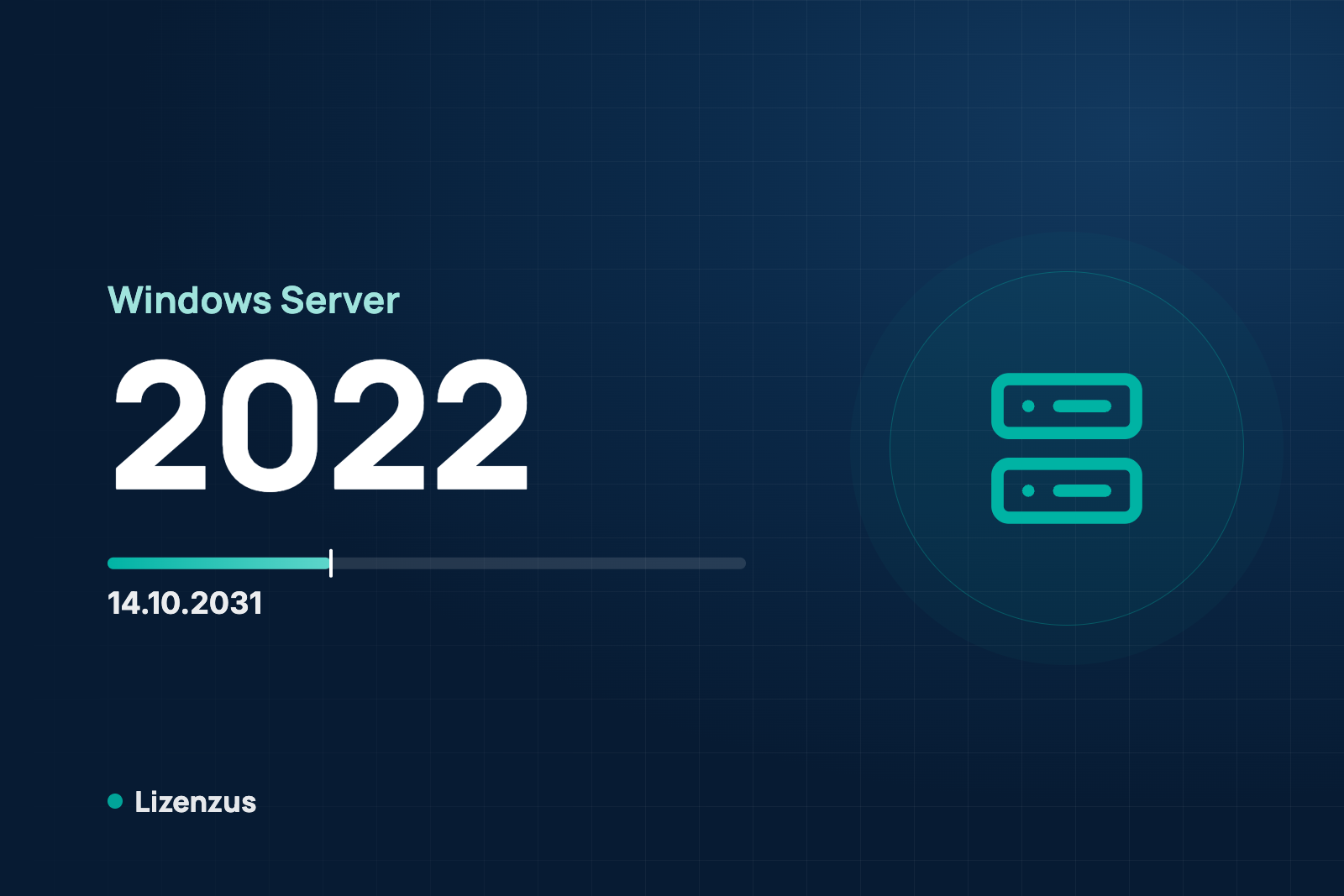
With Windows Server 2022 end of life, two things are often confused. Mainstream support ended on 13 October 2026, while extended support runs until 14 October 2031. If you run Windows Server 2022, you do not have to act immediately. You should, however, know what has changed. Strictly speaking the end of life lies in 2031.
Mainstream and extended support
Microsoft divides the lifetime of a server version into two phases. In mainstream support Microsoft delivers further bug fixes and improvements in addition to security updates. In the extended support that follows, security updates are the focus and no new features are added. Windows Server 2022 was released on 18 August 2021. The phases at a glance:
- Mainstream support: until 13 October 2026, so it has just ended.
- Extended support: until 14 October 2031.

What happens after the end of mainstream support
For operations little changes at first. The server runs, and security updates are provided in extended support. Do not expect new features any more. Planning should start now, because moving to a newer version needs lead time. The article Planning for end of support in Microsoft products shows how to build such dates into procurement.
What happens after the end of extended support
On 14 October 2031 the security updates end as well. Then what holds for every version applies: the software keeps running and newly found vulnerabilities stay open.
The options
Keep running it. Until 14 October 2031 this is the normal case. After that only in an isolated environment without access from the internet and with a documented risk decision.
Extended Security Updates. In the Microsoft sources we read we found no ESU program for Windows Server 2022. Until 2031 none is needed anyway, because extended support is running.
Move to Windows Server 2025. According to Microsoft's upgrade table, a direct upgrade from 2022 to 2025 is possible. Windows Server 2025 was released on 01 November 2024, mainstream support runs until 13 November 2029 and extended support until 14 November 2034. Every Windows Server version needs its own license. The perpetual license of the successor version can be bought used.
If you are coming from an older version, the starting point is covered in Windows Server 2019 end of life and Windows Server 2016 end of life.
Access licenses when you move
The CAL must be at least the version of the server. A Windows Server 2022 CAL does not cover a Server 2025, while a newer CAL covers older servers. When you move, plan the CALs in the target version. How to determine the number is described in How many Windows Server CALs do I need?
Four questions before you decide
- How long should the server keep running, and is 14 October 2031 long enough?
- Do you need features that only a newer version offers?
- Which CAL version do you hold, and how many people and devices access the server?
- Are you planning to renew the hardware anyway, which would be a natural moment for a version change?
Once these questions are answered you can decide without pressure. Unlike with Windows Server 2016, there is no urgency for version 2022.
Buying used: the legal framework
In its judgment C-128/11 of 03 July 2012 the Court of Justice of the European Union held that the distribution right in a computer program is exhausted once it has been sold with the right holder's consent. This also applies where the software was delivered by download. Whoever resells must make their own copy unusable. The first acquirer may not split up a client-server license that covers more users. How this can be evidenced in practice is described under Is used software legal?
What Lizenzus does for you
We supply used, perpetual licenses for Windows Server 2022 and 2025, with a documented chain of title. If you buy 2022, we tell you the end-of-support date before you commit. If you want to move, we work through your license and CAL needs with you. A request is all it takes.
Read more: Windows Server 2022 Standard and Windows Server 2025 Datacenter.
Where to read on
Three pages answer the questions that most often follow on from this article.
Legal position and evidence
Why trading in used volume licenses is lawful, where the limits lie and which four documents count in a license audit.
Purchasing basics
What a used license is, which forms are transferable and how to recognize an offer that stands up to scrutiny.
Public procurement
The procurement law framework, suggested wording for the specification and the documents for the procurement file.
A question about your specific case?
Describe your situation. You will receive an assessment and, if you wish, a quote.